Table of Contents
Impact of academic publication depend on both the exciting research and how you present it. We list free image databases you can use to get high quality images!
Regardless of the stage of your academic career, you probably find yourself building at least a few PowerPoint presentations per month or disseminate your research in a creative way via social media, for example on LinkedIn. And there’s nothing worse than listening to someone reading from the slides right? I believe you sat in such a presentation yourself and managed to read the entire slide much faster than the presenter.
That’s why visual content is crucial not just in social media, but also in your articles, research presentations, business presentations and, basically, any kind of academic communication. Great photographs and videos can catch the attention of your readers or followers, which automatically encourage them to read your article or listen to your presentation. After all, a picture can tell more than 1000 words, right?
But high-quality photos and videos take a lot of time and talent to prepare. Unless visual content creation is your hobby, you probably don’t have time or skill to prepare these yourself. But worry not – we’ve got you covered.
When we prepare our materials we tend to take our own photos and videos. However, when the weather is really bad and the light is poor – quite common in the UK! – we tend to rely on image databases for our PowerPoint presentations. These, often free image resources allow you to download high quality and high resolution photos that can support your argument, regardless of whether your research focuses on climate change, global warming, psychology, or business management.
Today we’ve prepared a list of 32 image databases from which you can download high quality stock images for free to build effective presentations for your research. But let me discuss some important points that you need to know before using such free images.
Before you use any of the free image databases for research and presentations
The easiest image search you can perform is to use Boolean operators in Google with the keywords that represent the messages you want to present in your work. For example, you may want to search “climate change” AND “global warming” and then move to the image section of the Google search. Easy peasy, right?
But…I’m sure you know that not every photo you find via Google search is free to use in your presentation. Most of the images you can find in Google are protected by copyright! If you would like to use or reproduce a particular photo, usually you need to get written permission from the author. You will also need to acknowledge the author.
You can also use a photo that is marked as a public domain photo or use a Creative Commons image downloaded from image databases that need attribution. As a rule of thumb, as with references, you need to be citing image sources in most cases.
This is the important part. Before you download and use any of the photos, make sure to check the license, terms and conditions of the website where you download the image from.
Each image database or image website will have its own terms and conditions that will specify how you can use the image, where you can use it, do you need to include attribution, is the photo for commercial or non-commercial use only, and whether there is another license you need to pay for commercial use. You need to check this for all image resources you use in your work.
What is a Creative Commons License in image databases?
When you explore the image databases that we listed below, you will come across a Creative Commons license. So what does this mean to you? Simply speaking, Creative Commons is a non-profit organisation that enables sharing and using creative media and goods through free legal tools.
There are different types of Creative Commons Licenses: from allowing you to use the photo without any attribution with any modification through to limited use for specified purposes without modifications. You can read more about these here.

Here is the excerpt with the explanations for the types of Creative Commons Licenses.
“Attribution CC BY: This license lets others distribute, remix, adapt, and build upon your work, even commercially, as long as they credit you for the original creation. This is the most accommodating of licenses offered. Recommended for maximum dissemination and use of licensed materials.
Attribution-ShareAlike CC BY-SA: This license lets others remix, adapt, and build upon your work even for commercial purposes, as long as they credit you and license their new creations under the identical terms. This license is often compared to “copyleft” free and open source software licenses. All new works based on yours will carry the same license, so any derivatives will also allow commercial use. This is the license used by Wikipedia, and is recommended for materials that would benefit from incorporating content from Wikipedia and similarly licensed projects.
Attribution-NoDerivs CC BY-ND: This license lets others reuse the work for any purpose, including commercially; however, it cannot be shared with others in adapted form, and credit must be provided to you.
Attribution-NonCommercial CC BY-NC: This license lets others remix, adapt, and build upon your work non-commercially, and although their new works must also acknowledge you and be non-commercial, they don’t have to license their derivative works on the same terms.Attribution-
NonCommercial-ShareAlike CC BY-NC-SA: This license lets others remix, adapt, and build upon your work non-commercially, as long as they credit you and license their new creations under the identical terms.
Attribution-NonCommercial-NoDerivs CC BY-NC-ND: This license is the most restrictive of our six main licenses, only allowing others to download your works and share them with others as long as they credit you, but they can’t change them in any way or use them commercially.
CC0 tool allows licensors to waive all rights and place a work in the public domain, and our Public Domain Mark allows any web user to “mark” a work as being in the public domain.“
What is public domain?
The image resources marked as available in the public domain refer to the works whose copyrights have already expired, have been forfeited, or are inapplicable. BUT – finding something in Google search doesn’t automatically mean is in the public domain! Once you establish whether the image is in the public domain, then it is advisable to include attribution, but this is not necessary. You may just want to keep track of where the image you downloaded is from, in case someone asked.

What about royalty-free media in image databases? Is it really for free?
Yes, and no. It’s a tricky question.
Royalty-free usually means that you’ll have to pay a one-time fee to get the rights to use a specific photo. You pay the royalty just once, and you can re-propose the photo in any of your PowerPoint presentations, publications and articles. You may actually want to create a digital library of your image resources for reuse so that you don’t have to scroll through the image websites looking for gems to support your research.
But sometimes royalty-free media means that you can download the photos for free. You might need to add the attribution to the author though.
Before we get to the list of the best photo bases, I want to make it really clear one more time – before you use any of the photos available in free image databases, make sure you’ll read and understand the terms and conditions of that specific website! This is especially the case for free image websites.
Best free photo and image databases for your papers, publications and presentations
Regardless of whether you’re looking for free photos or high resolution graphics for your social media, business presentations or research articles, I’m sure you’ll find what you need in the image databases below. I also briefly discuss the T&C of each of these image websites so that you can judge which one is best for you.
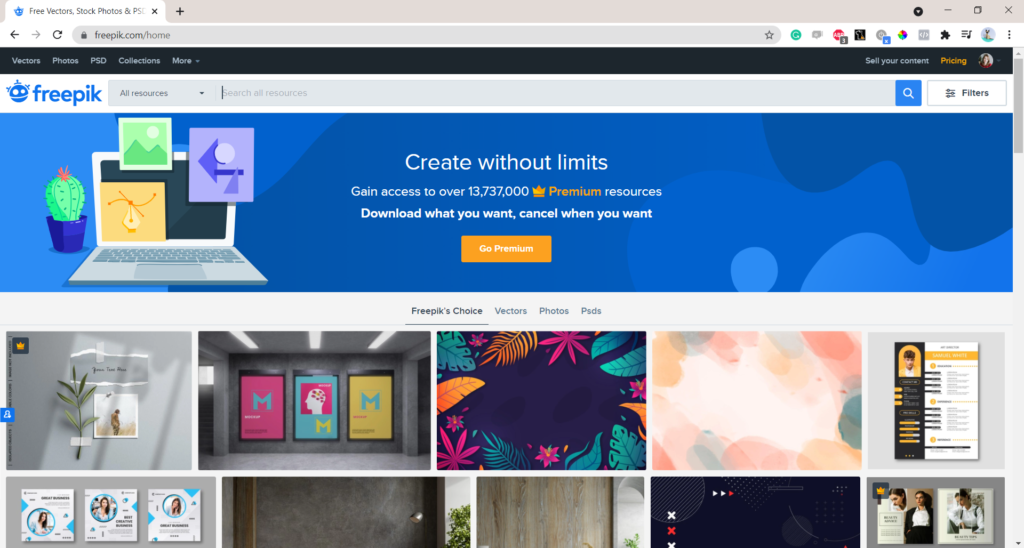
On Freepik you’ll find free photos to which you will need to provide attribution in your documents. You can also opt in for premium option – you’ll need to pay for 1-year access to download any photo available in their database and then use them for your work.
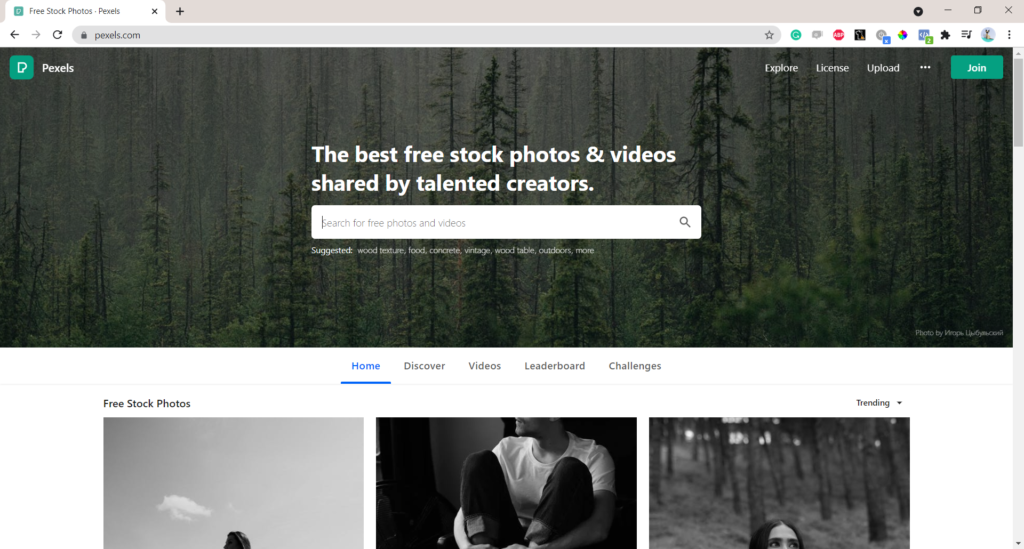
- Pexels https://www.pexels.com/
Pexels lets you download high quality photos for free. Attribution is not required. Giving credit to the photographer or Pexels is not necessary but always appreciated.
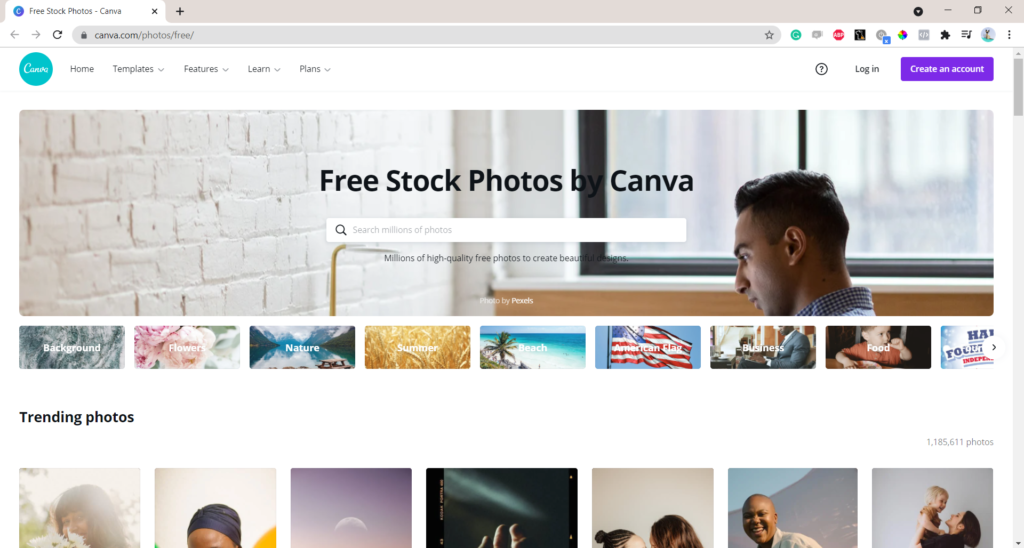
You can use those free photos available in this image database in Canva designs. You’ll also get an extra colour pallet that matches your chosen photo – this will help you to develop well-balanced images for impactful and effective presentations.
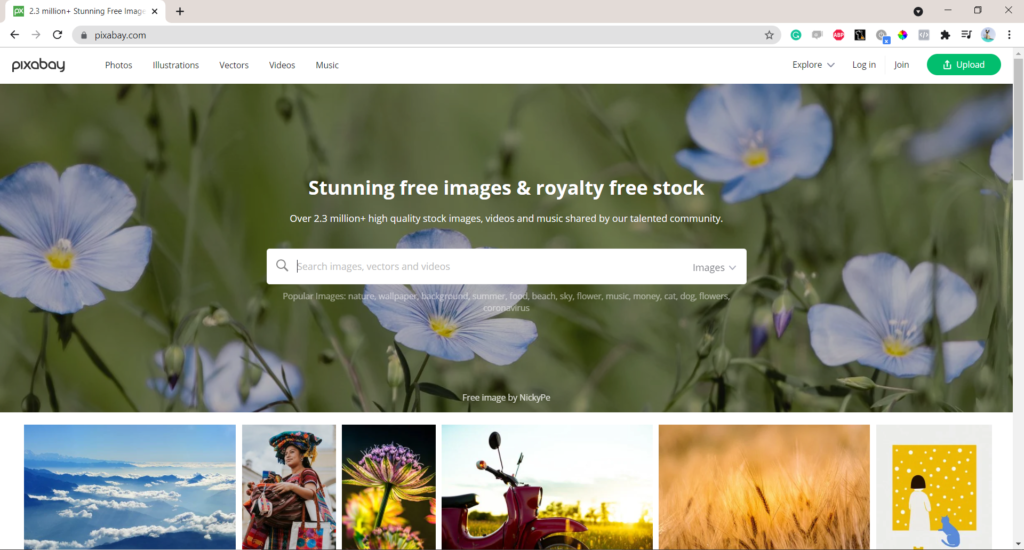
- Pixabay https://pixabay.com/
On Pixabey, you need to check the licence for each photo or image you download. Most of them free of charge with no attribution required, but make sure if it is the case for each image downloaded. Citing images in PowerPoint presentations doesn’t take much effort, but can save quite a lot of explanations later on.
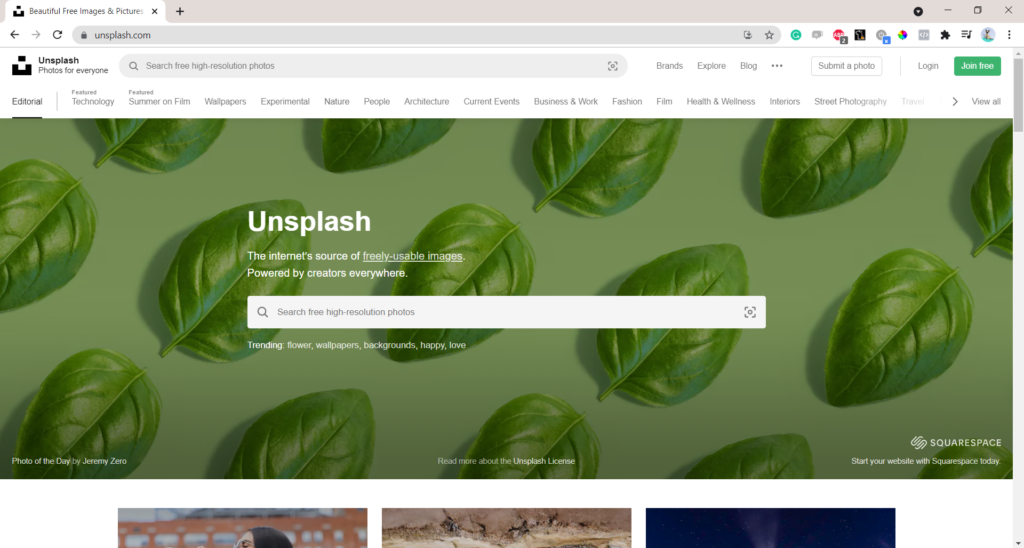
- Unsplash https://unsplash.com/
All photos from Unsplash can be used free of charge. The good thing is that you can use them for commercial and non-commercial purposes. The author’s permission for use is not needed, but attribution appreciated.

- Deposit Photos https://depositphotos.com/free-images.html
Deposit Photos allows you to download free high-resolution stock photos and vectors, but image attribution is required.
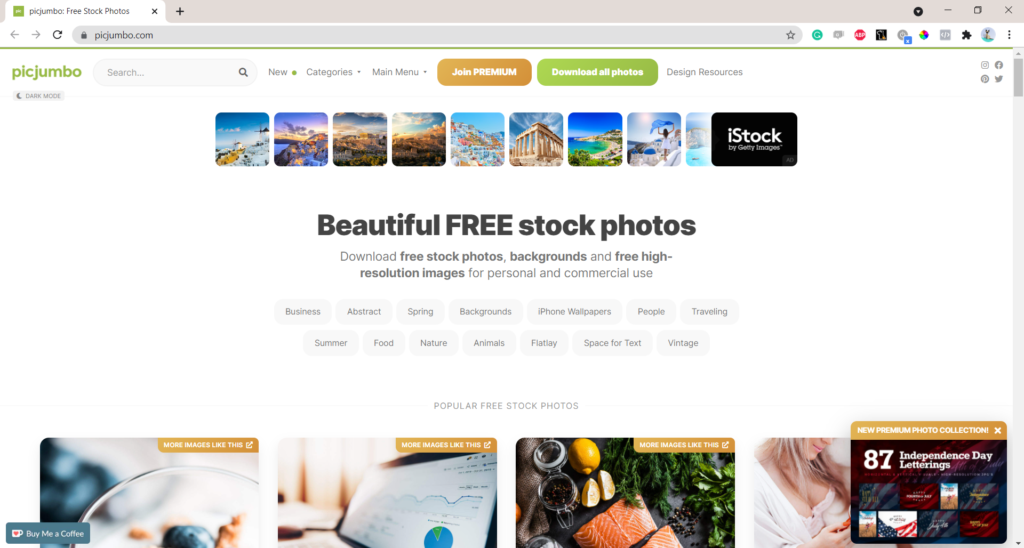
- Picjumbo https://picjumbo.com/
Picjumbo is one of the good image databases with free stock photos, backgrounds and free high-resolution images for personal and commercial use. The only limitation you have is that you cannot redistribute or sell these photos.
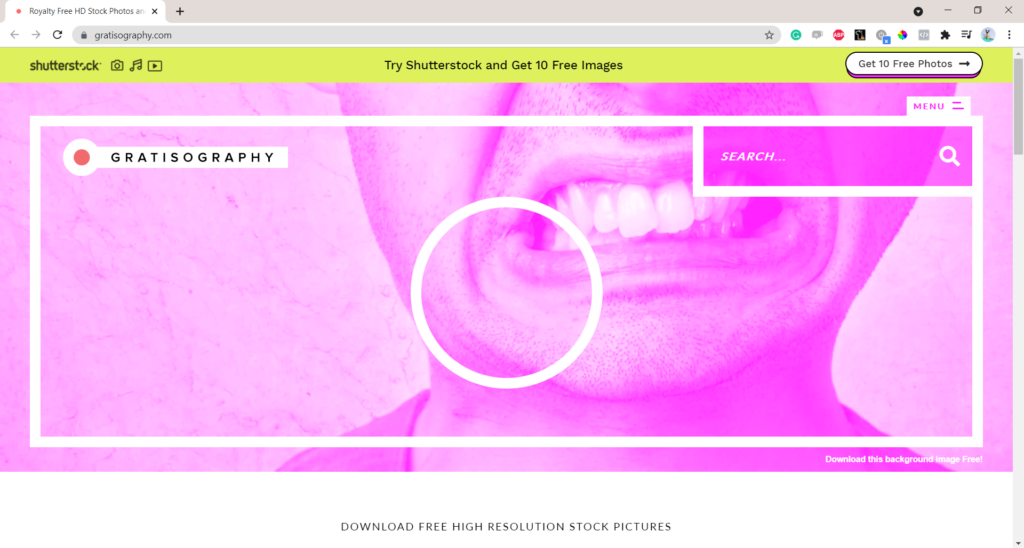
- Gratisography https://gratisography.com/
You can do almost everything with those photos: check the license for more info, but the only limitation we see is that you cannot redistribute, sell or present their free photos as your own.
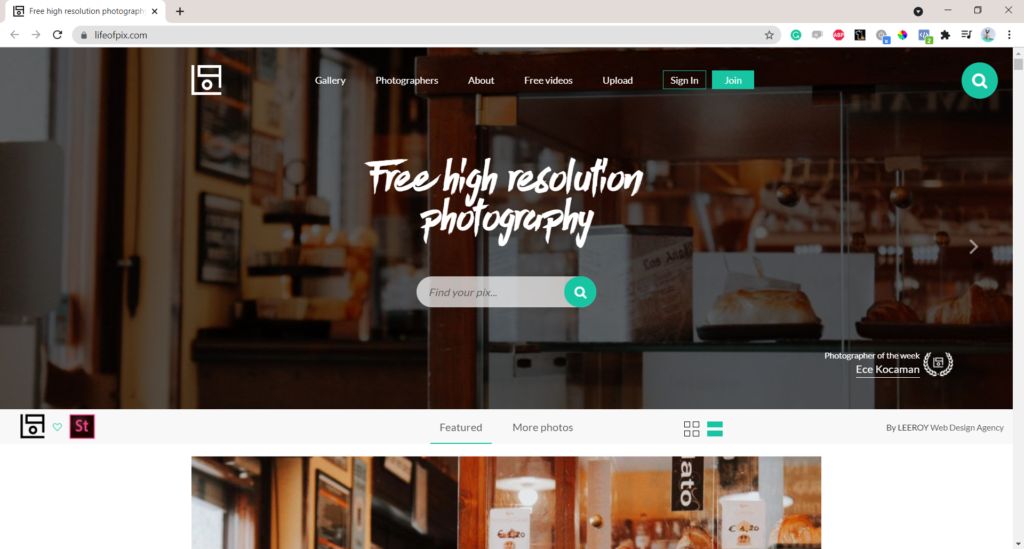
- Life of Pix https://www.lifeofpix.com/
Life of Pix offers free high-resolution photos, no copyrights restrictions for personal and commercial use. New photographs added weekly! All images are donated to the public domain.

Burst, which is powered by Shopify, includes free stock photos for websites and commercial use. Attribution to the photographer is not necessary, but encouraged.
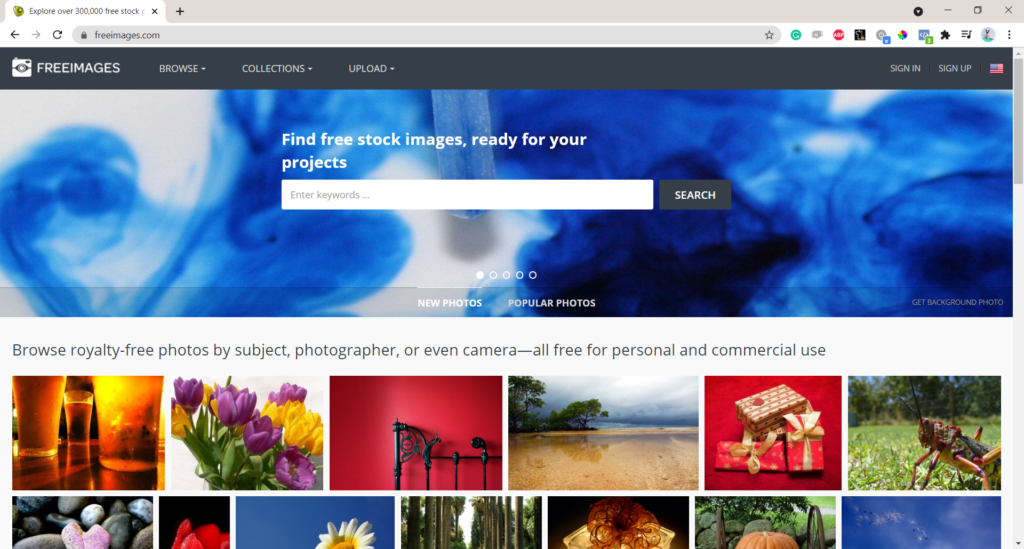
- Freeimages https://www.freeimages.com/
As specified in name, freeimages allows you to download free images for commercial and non-commercial use. You need to attribute if you use the photo for editorial purposes, or if you use audios/videos.
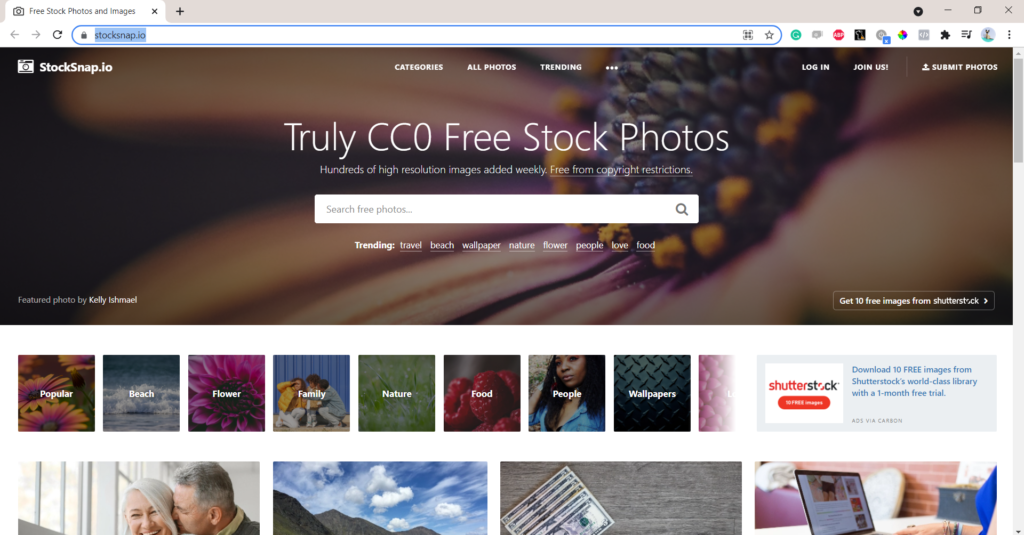
- Stock Snap https://stocksnap.io/
Stock-snap offers free images with CC0 License, free from copyright restrictions.
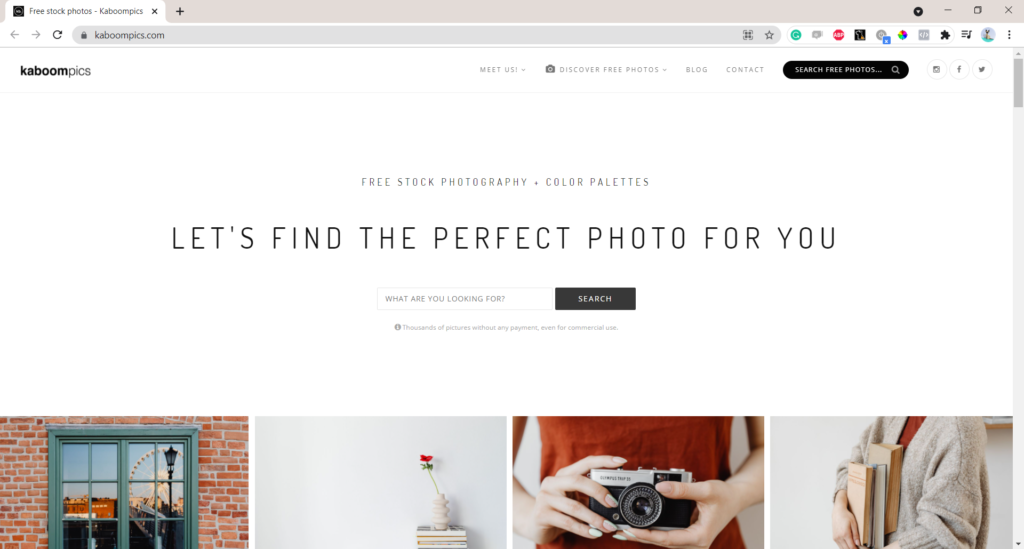
- KaboomPics https://kaboompics.com/
KaboomPics provides thousands of pictures without any payment, even for commercial use. It also includes the colour pallet that matches the colours on the picture. You can use these to match the colours on your PowerPoint presentation!
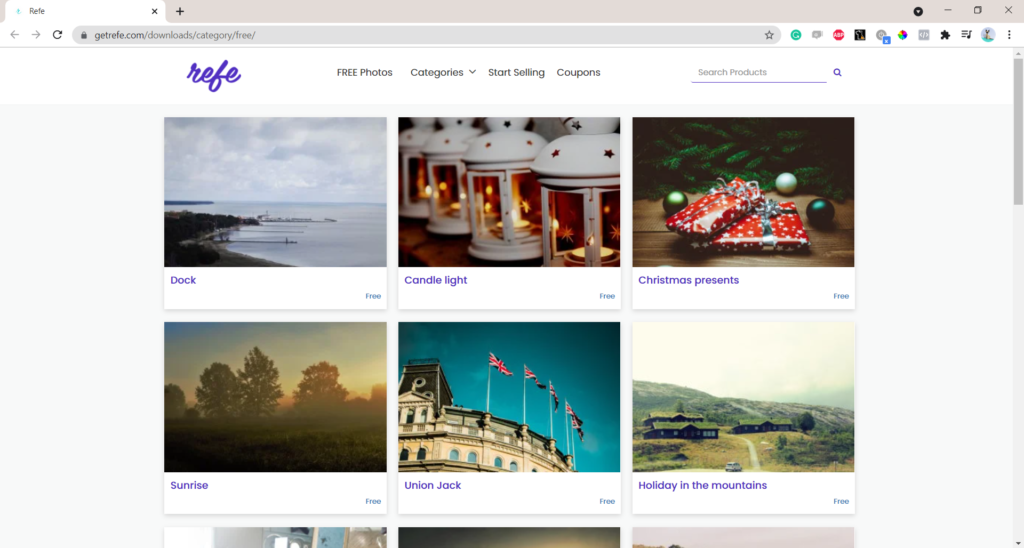
Refe allows you to download images for your social media or presentations. However, the free downloads have watermark on them, which may not be very useful if you need high resolution images.
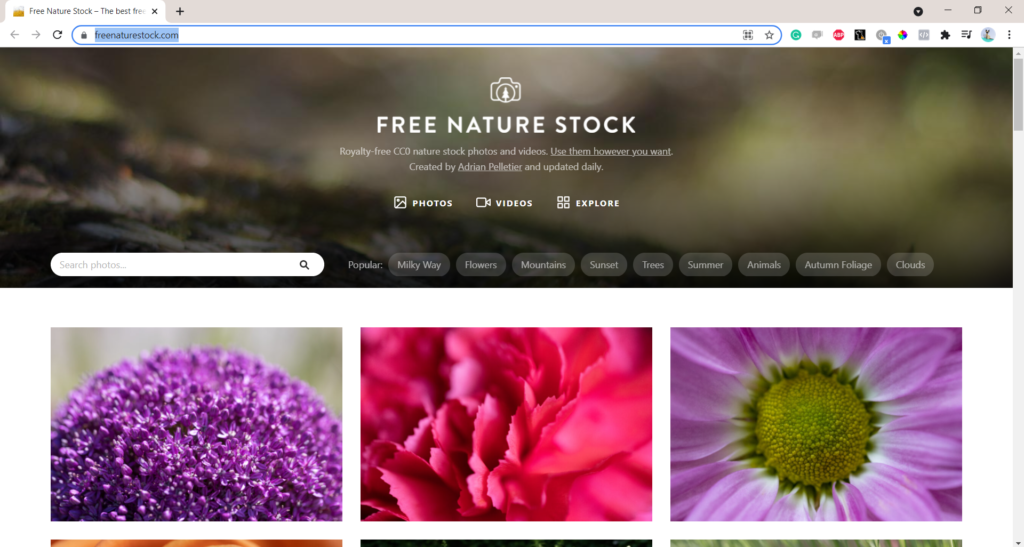
- Free Nature Stock https://freenaturestock.com/
Free Nature Stock offers royalty-free CC0 stock photos and videos that you can use for commercial and non-commercial projects. You don’t need to attribute the author.
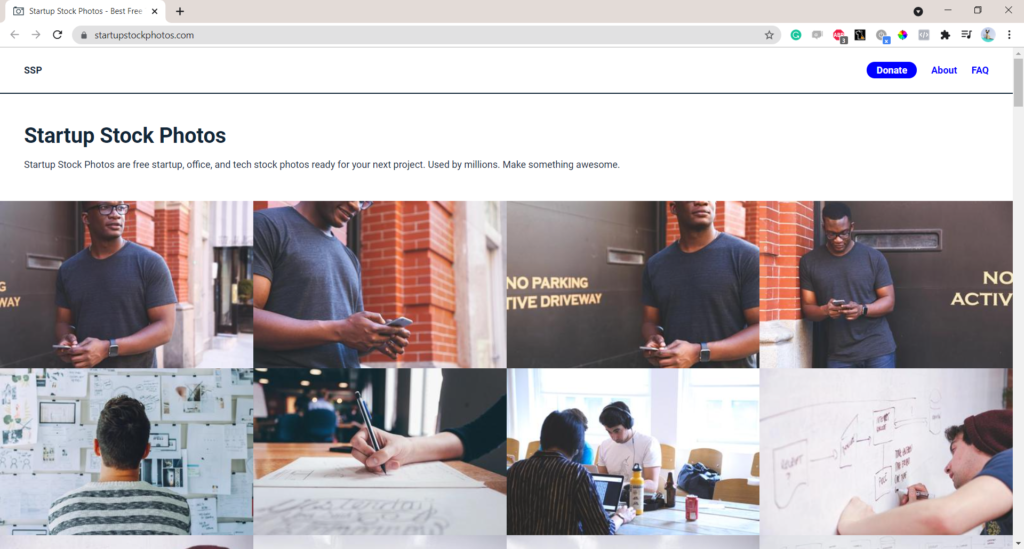
- Startup Stock Photos https://startupstockphotos.com/
Startup Stock Photos offers free photos that represent the startup, office and technology environment. These can be used free of charge for any use.
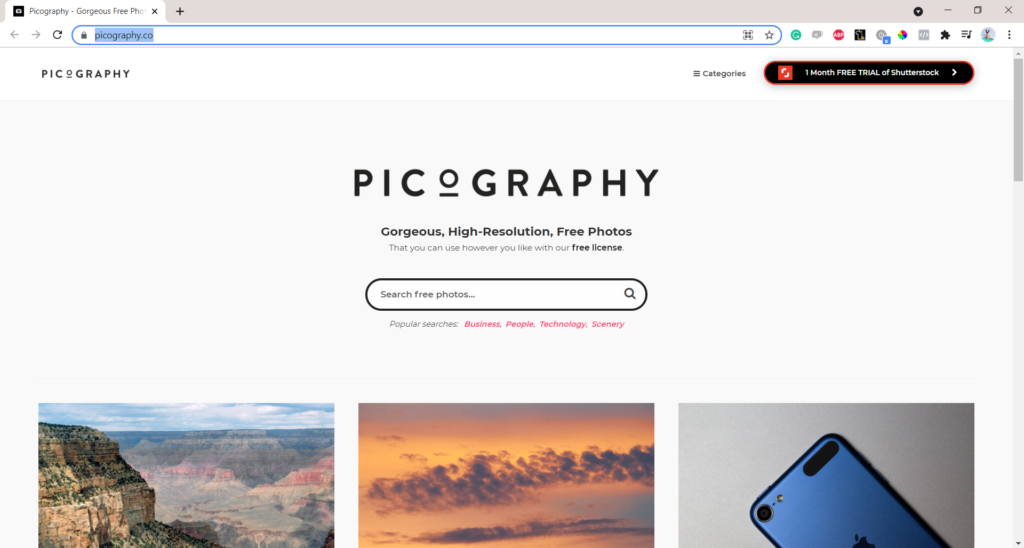
- Picography https://picography.co/
All photos on Picography come with a CC0 license, this means that you can use, copy, modify and share this photo (i.e. on social media). You can also use it for personal or commercial projects, without attribution and purchase.
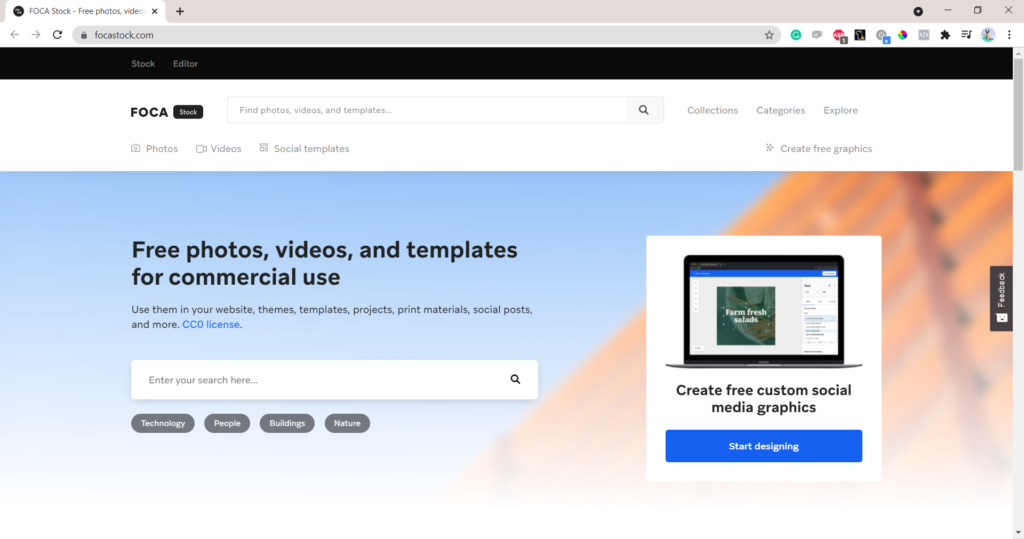
- Foca Stock https://focastock.com/
Foca Stock offers free photos, videos, images and social templates that you can use under CC0 license. They also have a useful editor for your images.
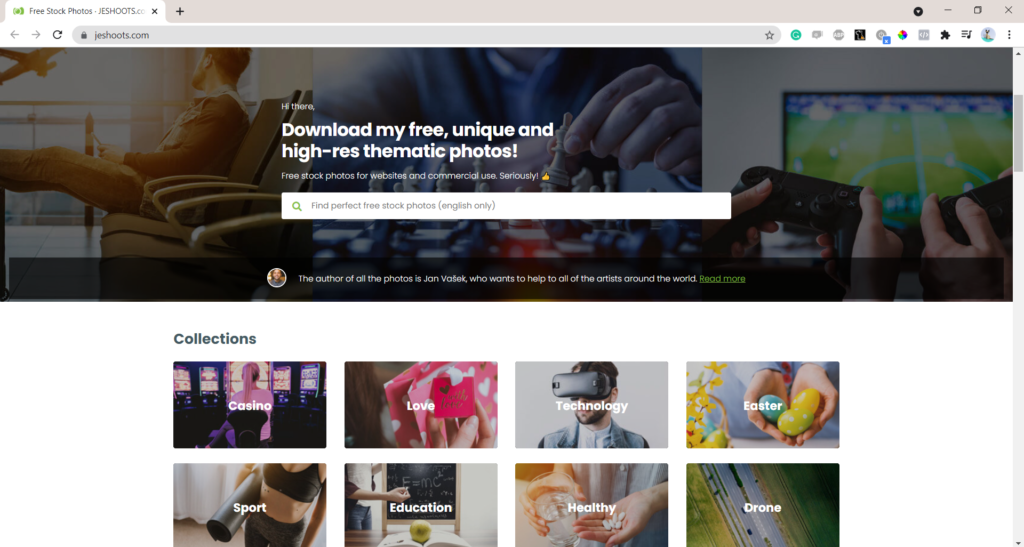
- Jeshoots https://jeshoots.com/
Jeshoots is one of the free image database with high quality stock photos for websites and commercial use. You cannot redistribute or sell these photos.
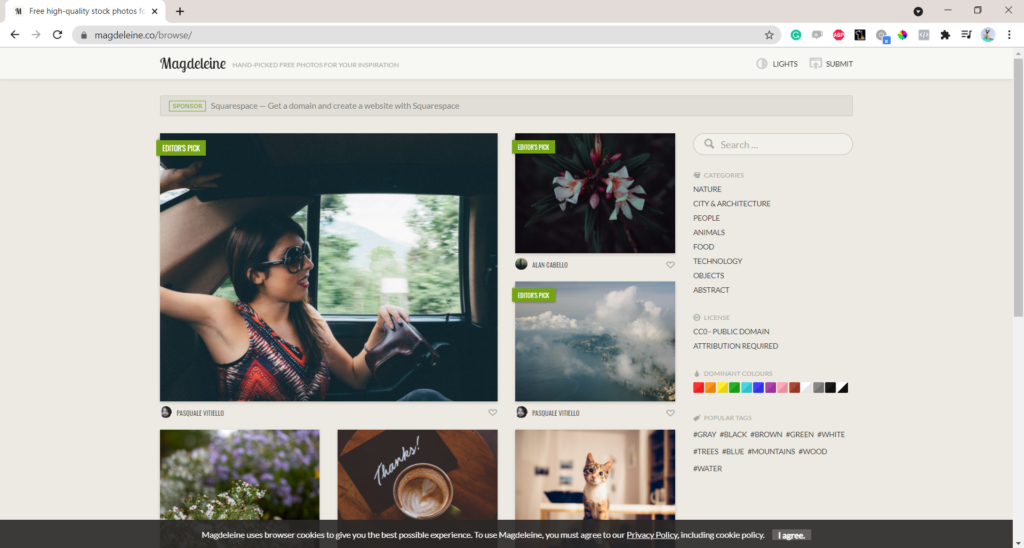
- Magdeleine https://magdeleine.co/browse/
Magdeleine lets you download high resolution high quality free photos for your presentations and articles. They operate under CC0 – Public Domain and CC-BY-SA licenses which require attribution.
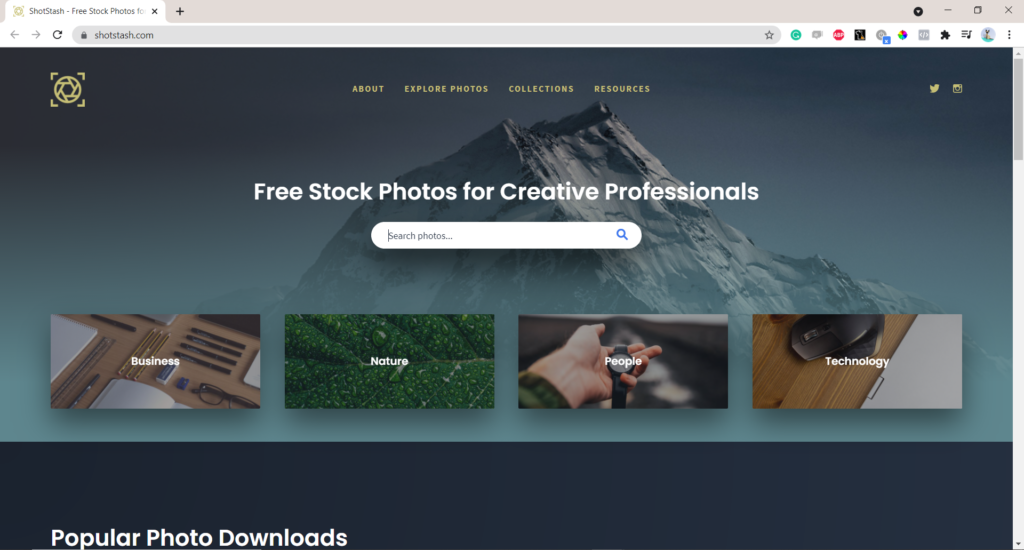
- Shot Stash https://shotstash.com/
Shot Stash is one of the many image databases that lets you can use photos for free in personal or commercial projects. These are usually under CC0 license.

- Pic Melon http://picmelon.com/
Pic Melon includes the premium collection of free stock images for designers and bloggers that are distributed under the CC0 license.
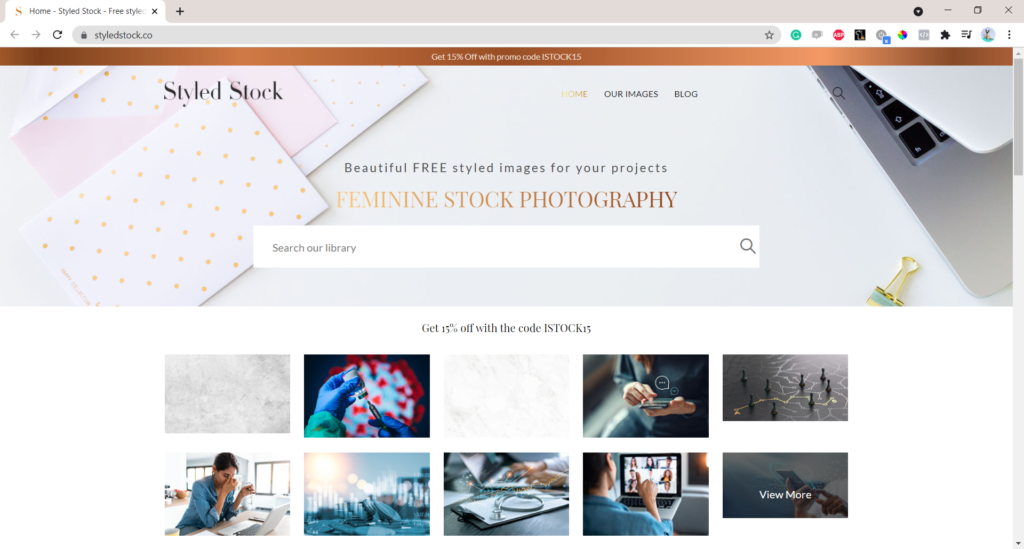
- Styled Stock https://styledstock.co/
Styled stock includes free images for any commercial or non-commercial purposes. However, the image copyright is still the property of its author. Attribution to the author is not required, but they appreciate a link back to Styledstock.co .

- StokPic https://stokpic.com/
StokPic includes a good selection of free images and you can do anything with them apart from redistributing.
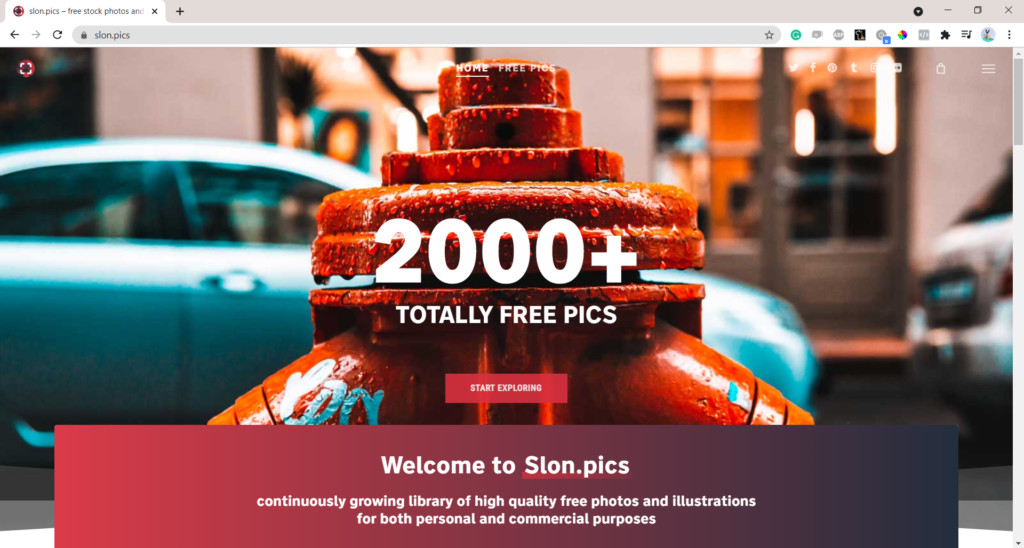
- SlonPics https://www.slon.pics/
Slon Pics include stock images with no royalties, no fees, no commission plans of any kind. You are free to use them under their own free license or CC0 license.
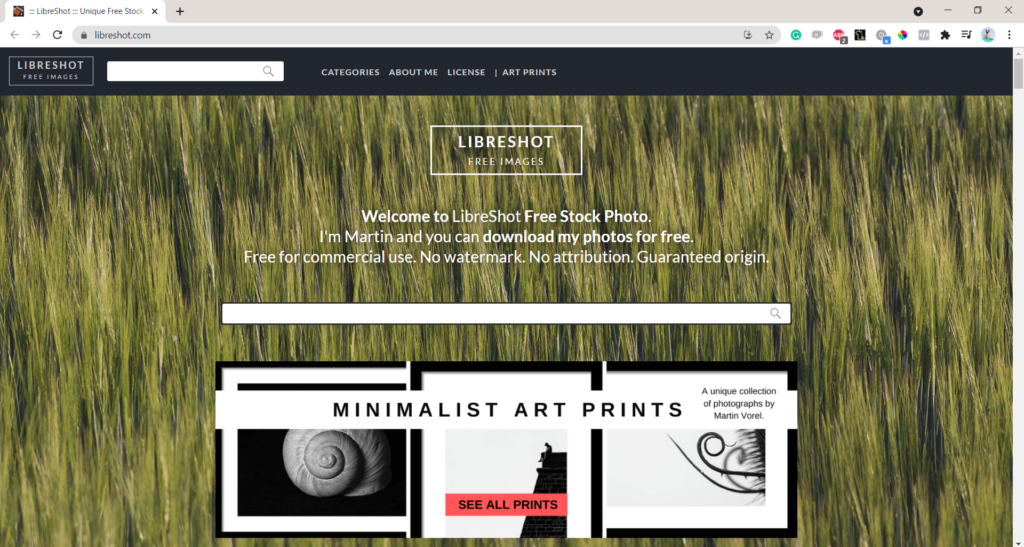
- Libershot https://libreshot.com/
Libershot lets you download free high-quality photos for your research presentation. You can use it also for any personal or commercial projects, without a watermark and attribution.
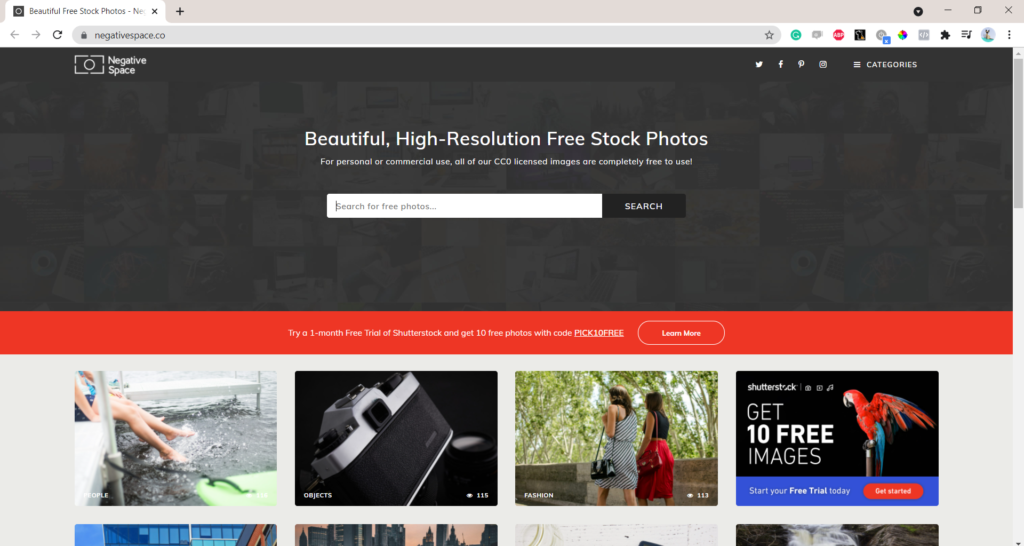
- Negative Space https://negativespace.co/
Negative Space offers free to use photos for personal or commercial projects. All photos are under CC0 license.
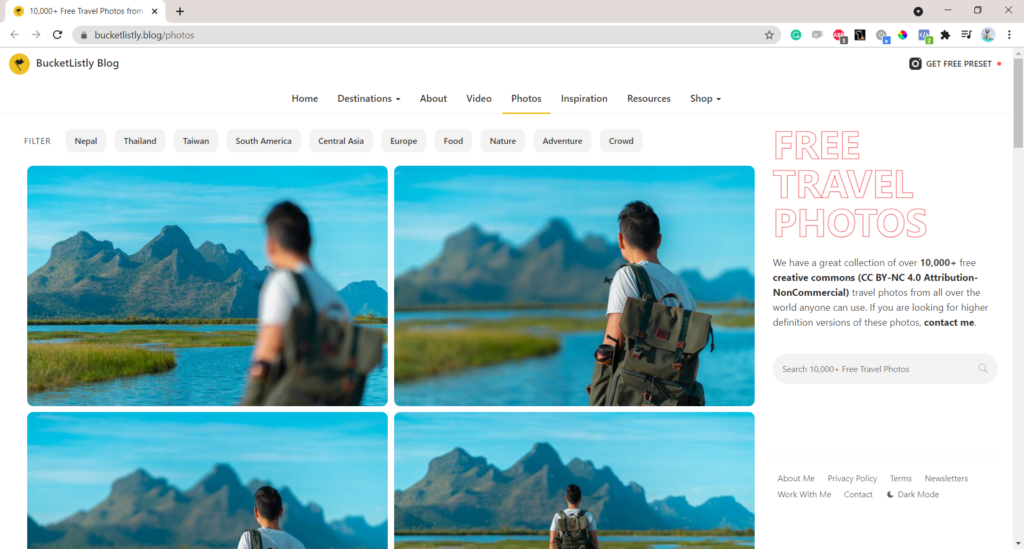
- Bucketlist https://www.bucketlistly.blog/photos
Bucketlist offers >10k free images under CC BY-NC 4.0 Attribution-NonCommercial. This includes mostly travel photos from all over the world that you can use to improve the impact of your presentation.
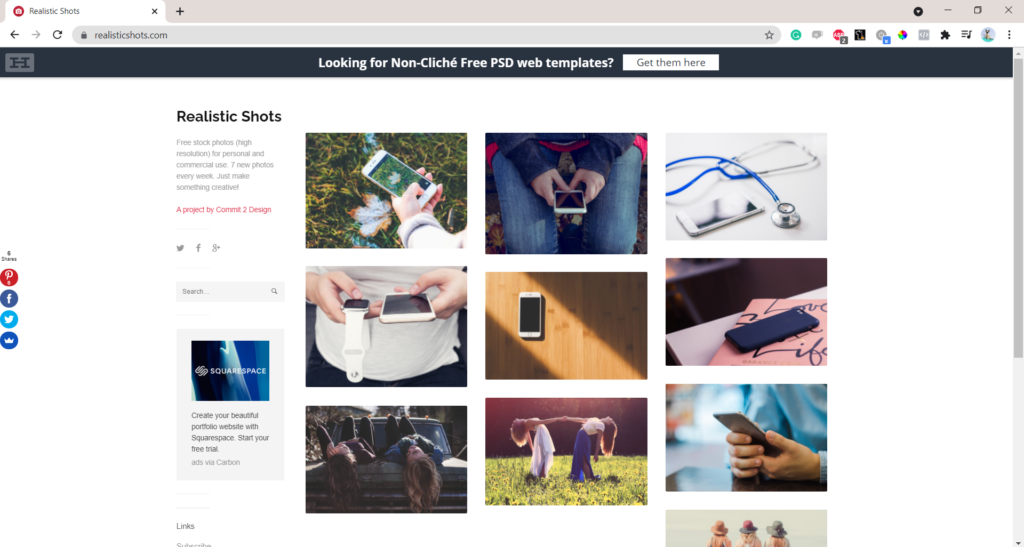
- Realistic Shots https://realisticshots.com/
Realistic Shots include free high resolution stock photos for personal and commercial use.

- Flickr https://www.flickr.com/
Flickr is one of the most popular image databases, with tens of billions high quality photos available. Make sure you check the requirements under each photo you want to use, as the license may vary.
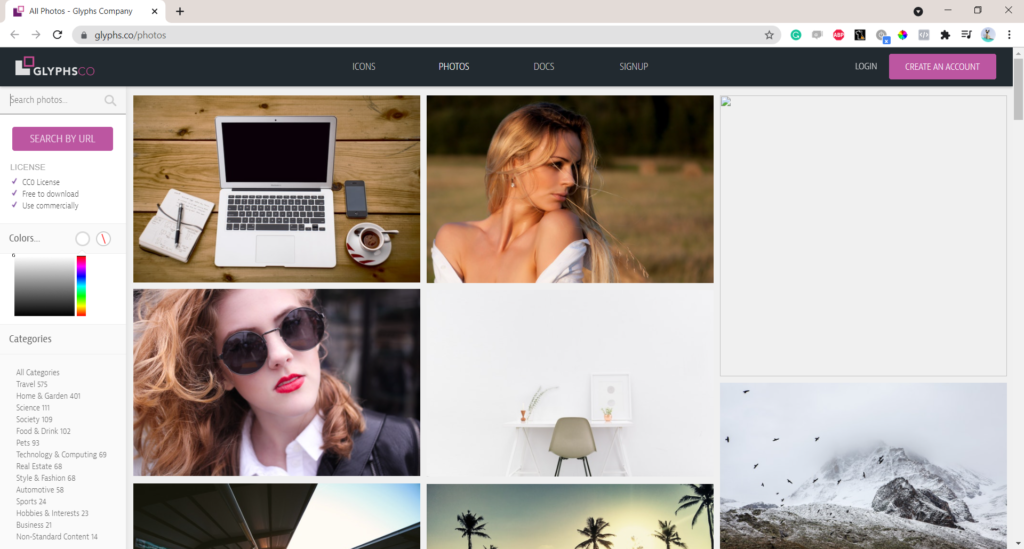
- Glyphs https://glyphs.co/photos
Glyphs offers free to download stock photos and icons under CC0 license. This means you can use them for personal and commercial projects.
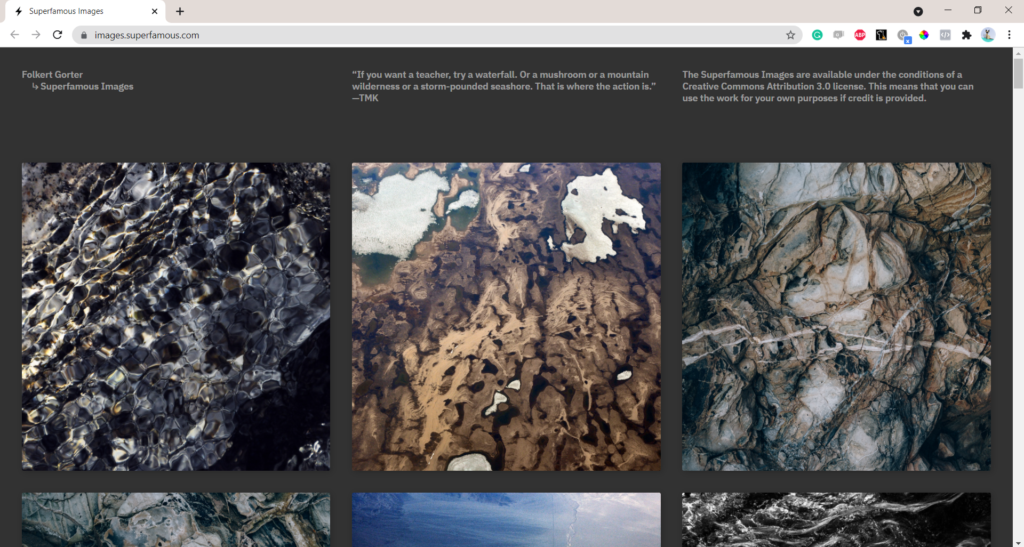
- Superfamous https://images.superfamous.com/
Superfameous is a great image database with high quality stock images of nature that you can use for the background of your presentation. Image attribution is required under CC-BY 3.0 license.
Conclusion
You don’t need to be a world-leading photographer to include high-quality images in your research presentations. Remember, making your presentation and articles engaging to the audience is key to keeping them interested. Meticulously selected pictures can also make it easier for you to effectively present the key messages from your research.
Just a word of caution – make sure you properly attribute the author/owner of the image you use to avoid any challenges. Check the licensing page of the image database that you decide to use for more details.
Have we missed any websites with free high resolution images? Share it with others in the comments!